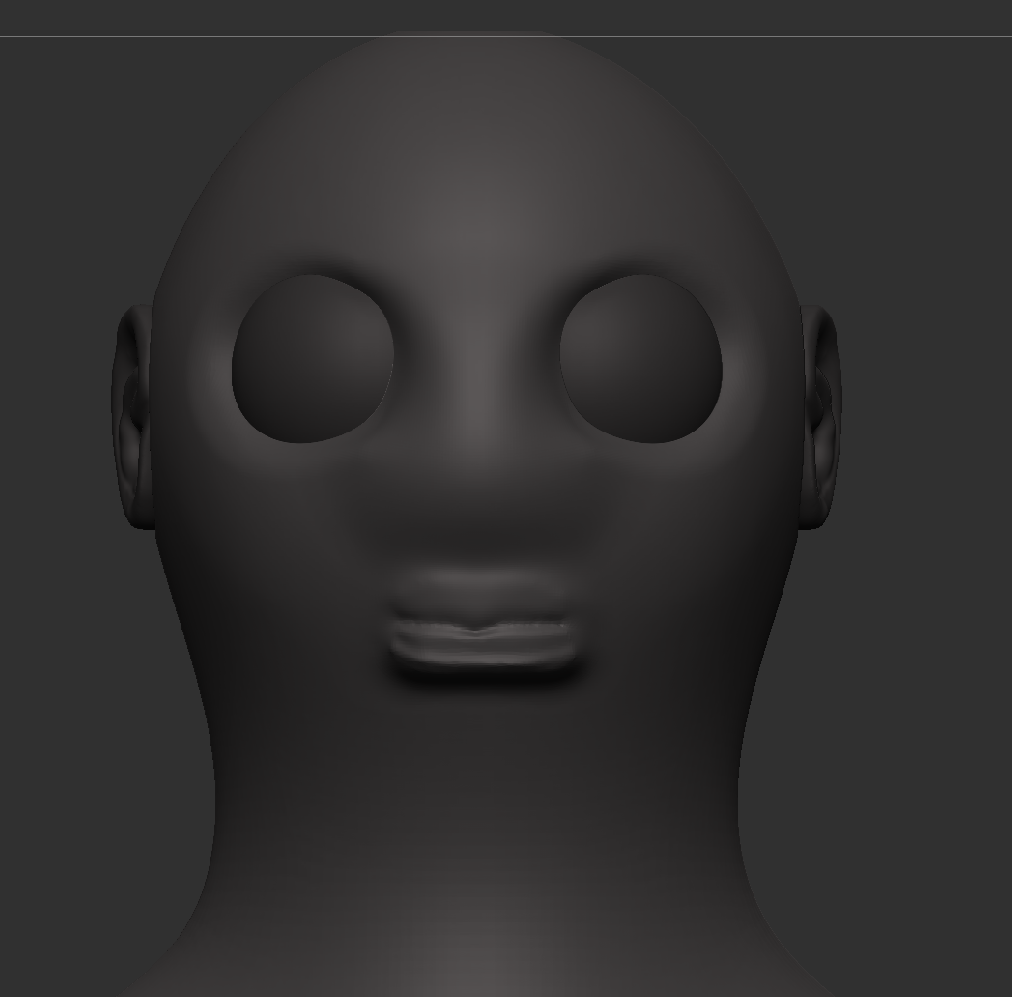
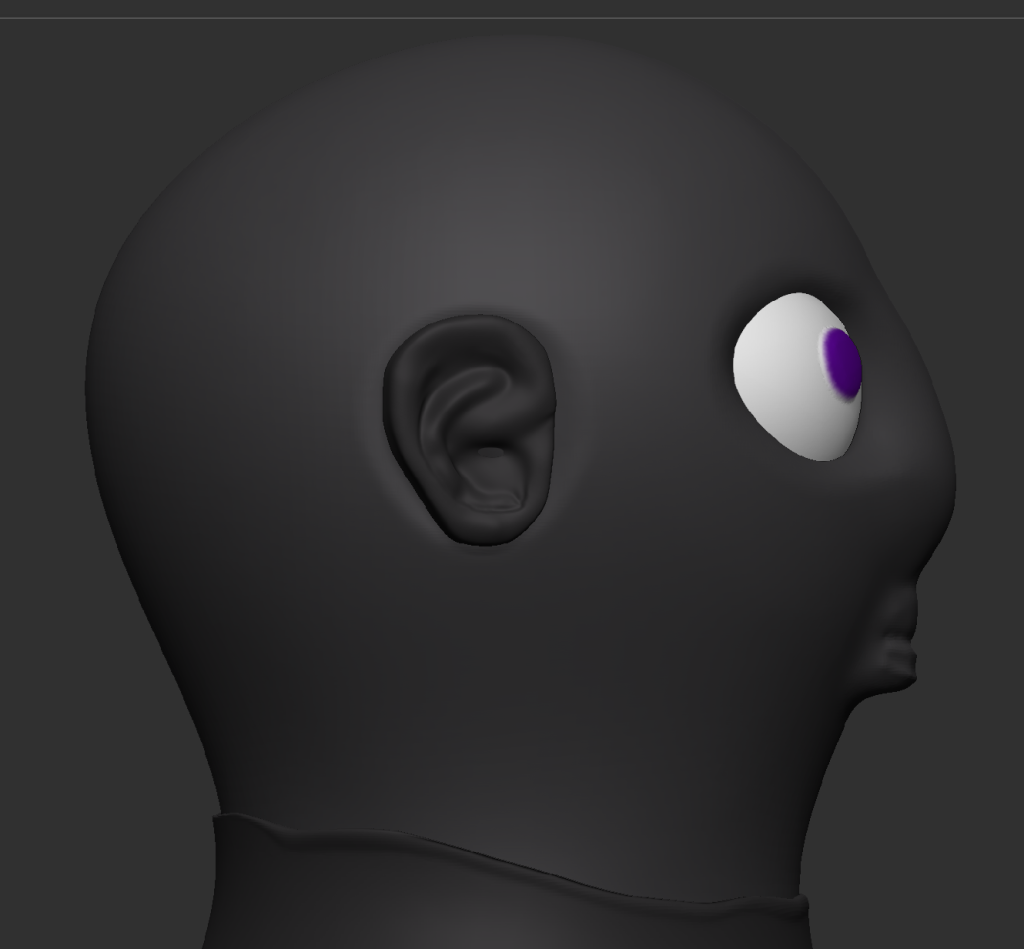
Eyes & Nose Sculpting
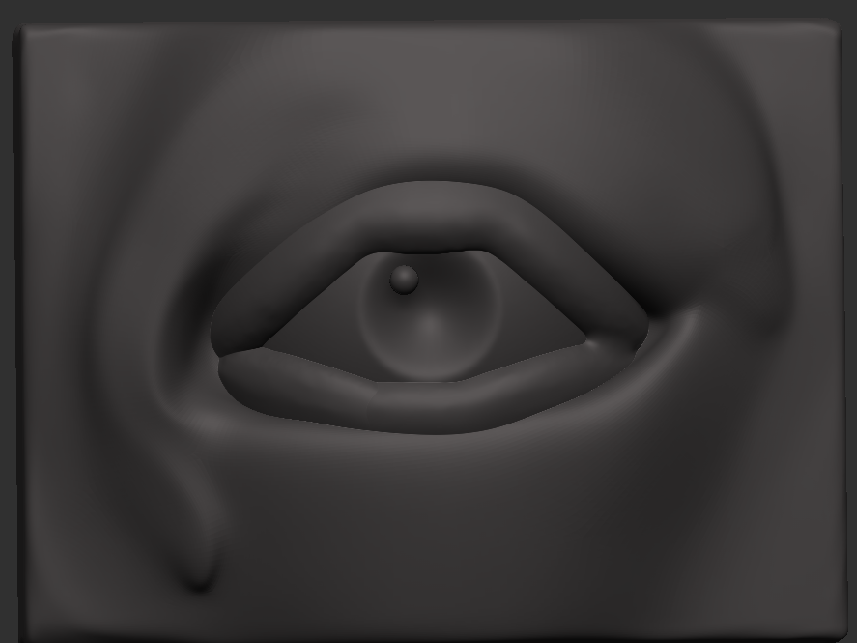
I originally planned to use this for my eyes for my character; however, since I made it as a different sub tool in ZBrush, when I tried to add and merge it with the rest of the body, it would stick out a bit too much and wouldn’t look natural, so instead, I decided to try and sculpt the eyes on the head instead and to do that I used the standard tool and used the zsub option to sculpt into the head and with this, I made the shape of the eye sockets.
Lastly, I used spheres for eyeballs and put them where they needed to be. For the nose, I used the mask tool to draw out the basic shape of the nose to use the mask tool. Press ctrl on your keyboard. I needed to invert the selection so it would only make changes to the masked area, and you can do this by double-clicking in an empty space; from there, I just used the move tool to move it out to make the shape of the nose.