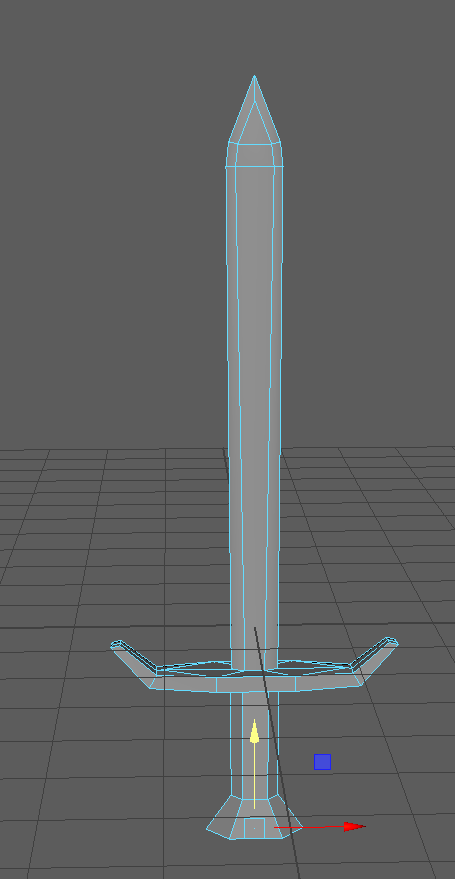
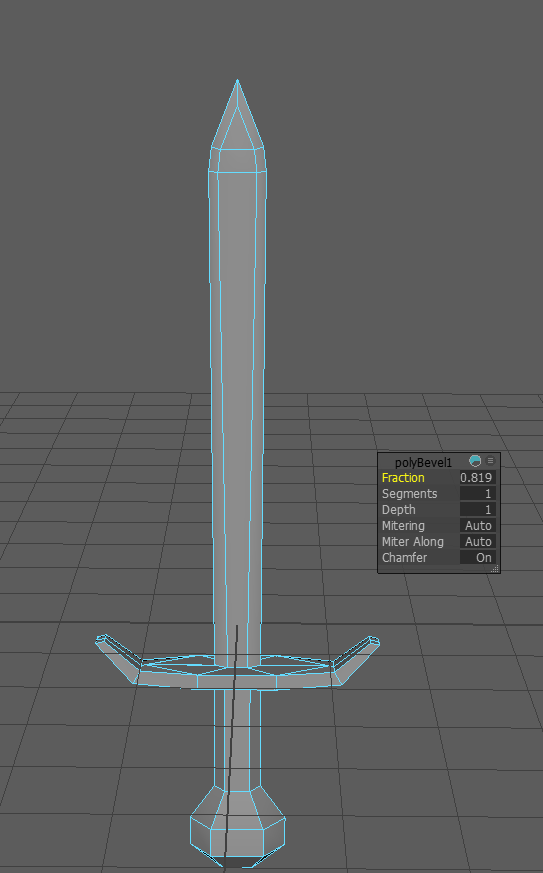
3D Modelling A Sword
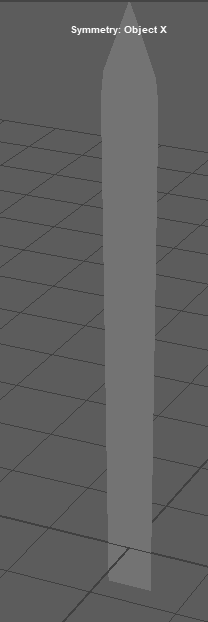
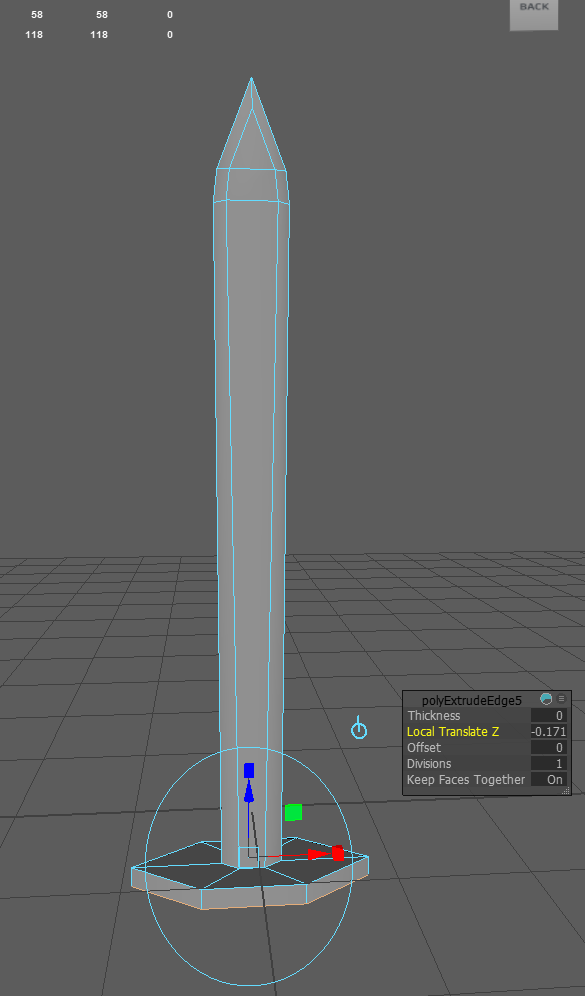
Like before with the shield, I will add a plane to the project so I can start to form the blade part of the sword, and by going into edge mode, I will select the edge on top of the plane and then use the move tool to move it up to make it longer.
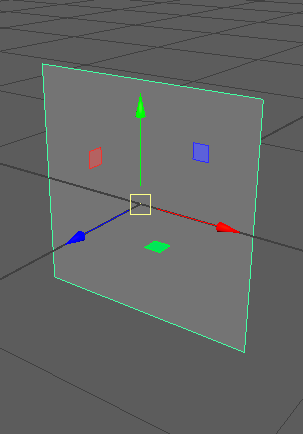
Next, I will use the extrude tool while still having the same edge selected. This will create a separate part of the blade, which will be the top of the blade, and to make it the shape of the top of a blade, I will edit the mesh and select the collapse option. This will make the shape more of a triangle shape, which I want.
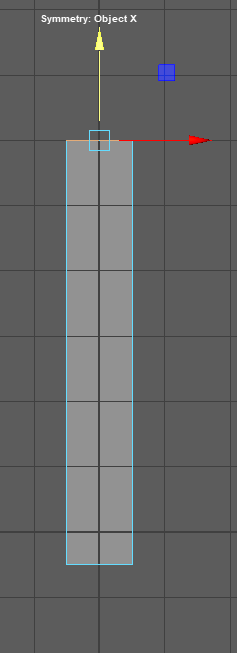
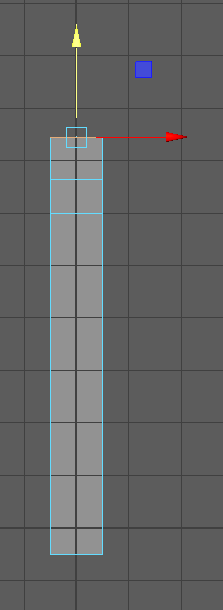
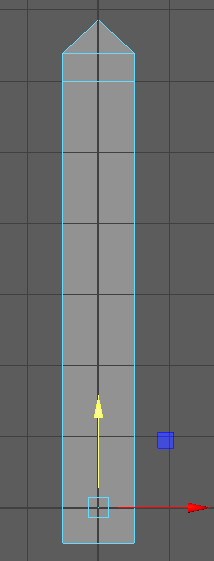
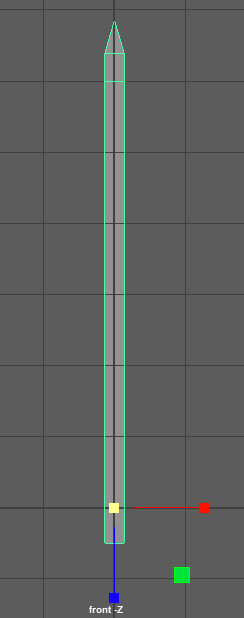
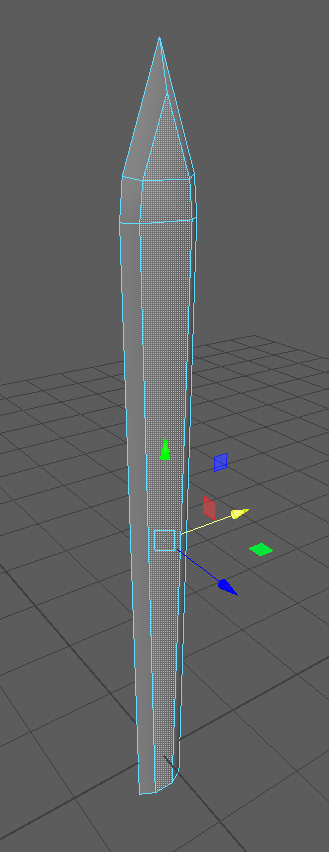
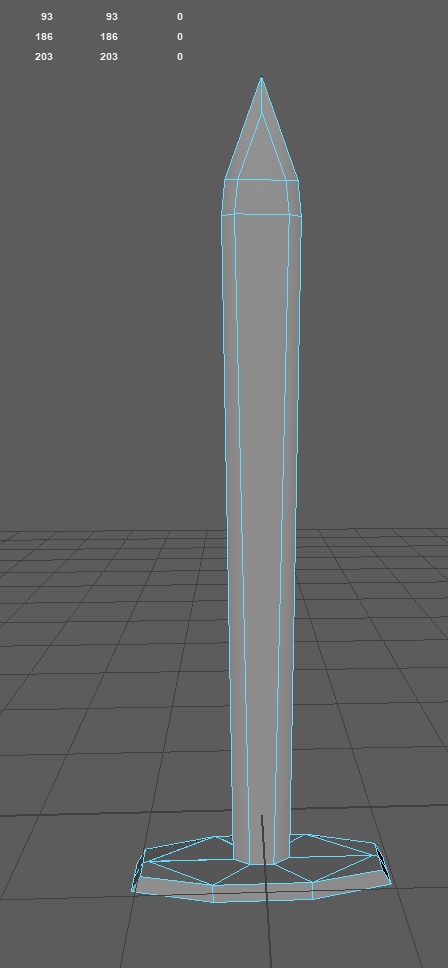
However, now the blade is too wide, as I am making the middle part of the blade. I will extrude the rest of it out to make the edges of the blade make it less width. I will use the scale tool and decrease it on the x to 0.27, and then I will go into vertex mode and adjust some of the vertices by moving them out until I get the shape I want for the blade.
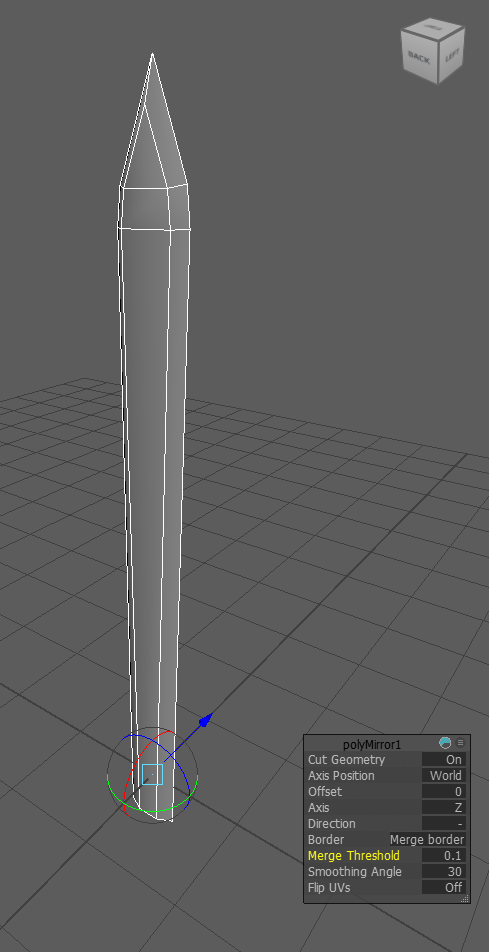
Lastly, for the blade, I will use extrude tool on all edges except the bottom part of the blade. This will make the rest of the blade, and I used the move tool to pull out the middle faces to make it thicker, and now that I am happy with the shape of my blade, all I need to do is use the mirror tool so it will mirror this shape on the other side forming the other half of the blade.
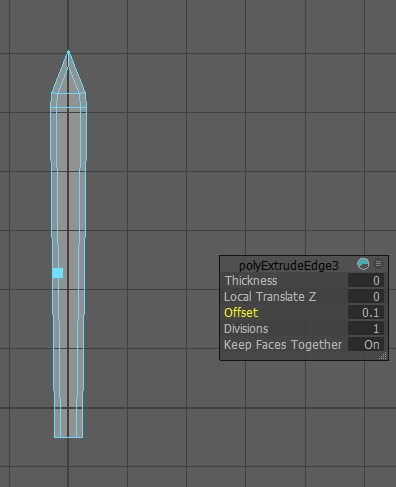
Making the Guard of The Sword & The Handle
Now, I am going to make the guard, which is the middle part of the sword between the blade and the handle and to do this, I will select the edges of the bottom of the blade and use the extrude and move it on world axis instead, and this will pull it out in the direction that I want it to. I will increase the thickness of it. Lastly, for the guard, I am going to make it have some part of it sticking out of it and go up diagonally, and I will do this by using the move tool on the faces on the side to move them up.
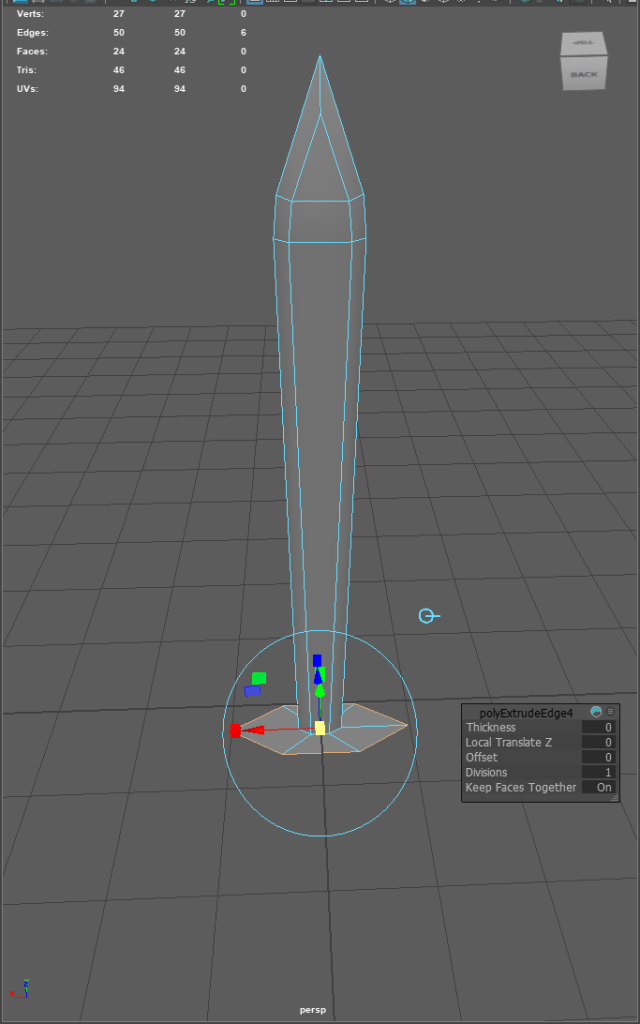
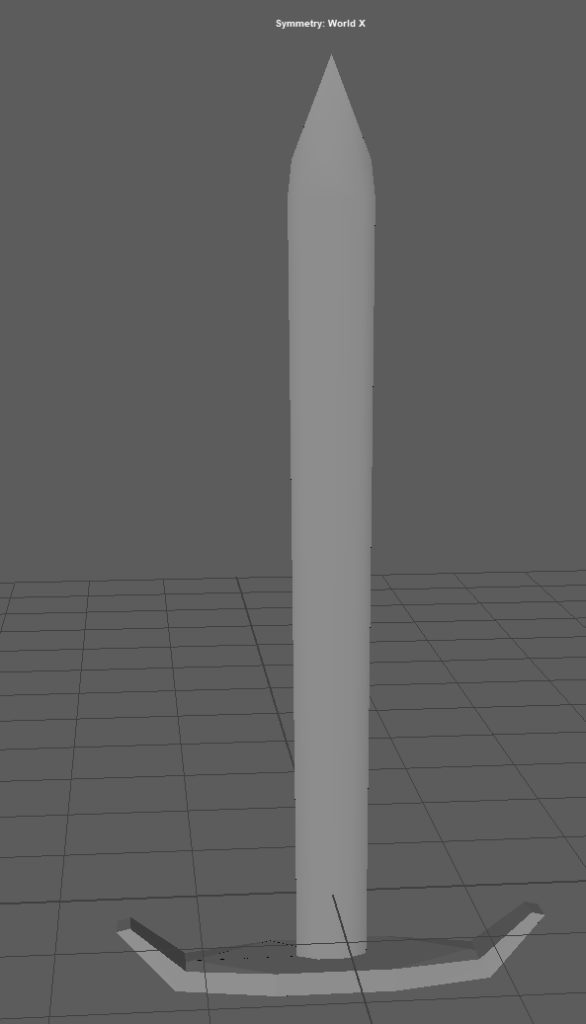
The handle part of the blade is pretty straightforward. All I have to do is select the guard’s bottom face and use the extrude tool to move it down. On the bottom, I want a part that someone would be able to grip onto, so to do this on the bottom of the handle, I will use the extrude tool to pull it out and use the bevel tool to form the shape that I want for the grip.