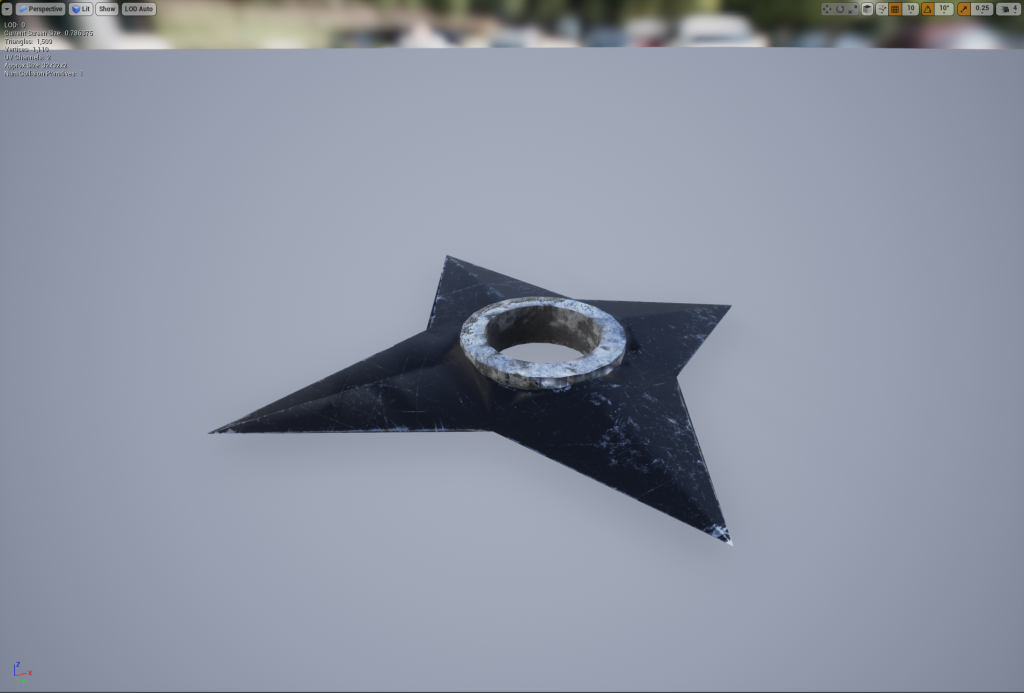
Importing My Shuriken Model From Maya into Unreal Engine
I need to import my hero asset from Maya into Unreal so I can use it in the environment to do this firstly I need to open up my model in Maya and then select the model that I want to use and this can be done by selecting it in the outliner.
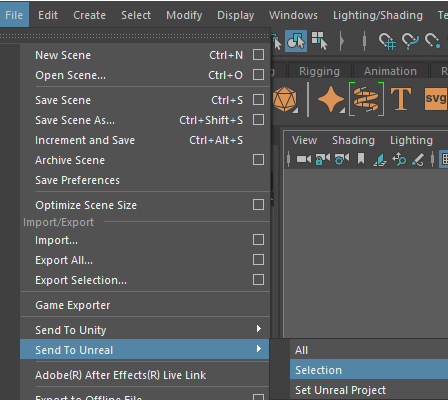
Now that I have selected the model I will go to the file tab of the UI and if you scroll down there will be a send to Unreal option from there and a drop-down menu will appear asking you if you want to send your whole Maya project to Unreal or just what you have selected and I will be using the selection option as I just want to send my Shuriken model into Unreal. Lastly, this will open a new window asking you where the directory of where your unreal project is so it can import so just find the directory of your project and just press on the export selection button and it will now appear in your unreal project.
However, when you import the model into Unreal it won’t be textured so to fix that I will have open the material that will be automatically made when you import a model from Maya and I need to tell it where the textures are and to do that I simply have to drag the textures into the content browser so I can even use them into Unreal.
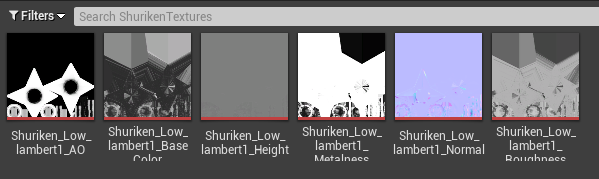
Now, I will go back into the material editor and drag in the textures and plug them into the corresponding ones for example the base colour texture will plug into the base colour node in the material editor and so on and you can see what this looks like below.
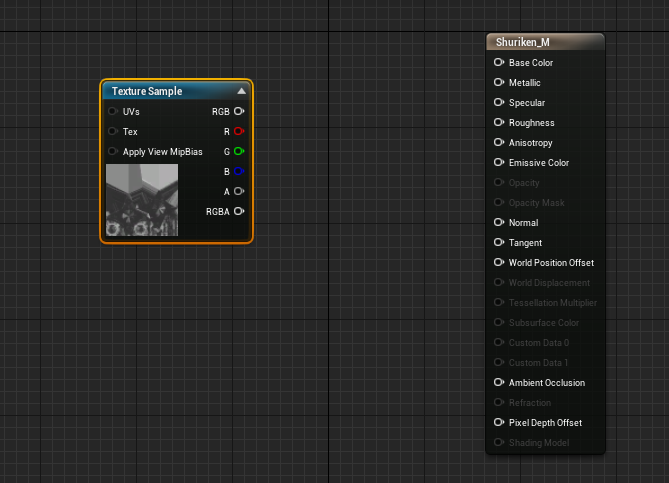
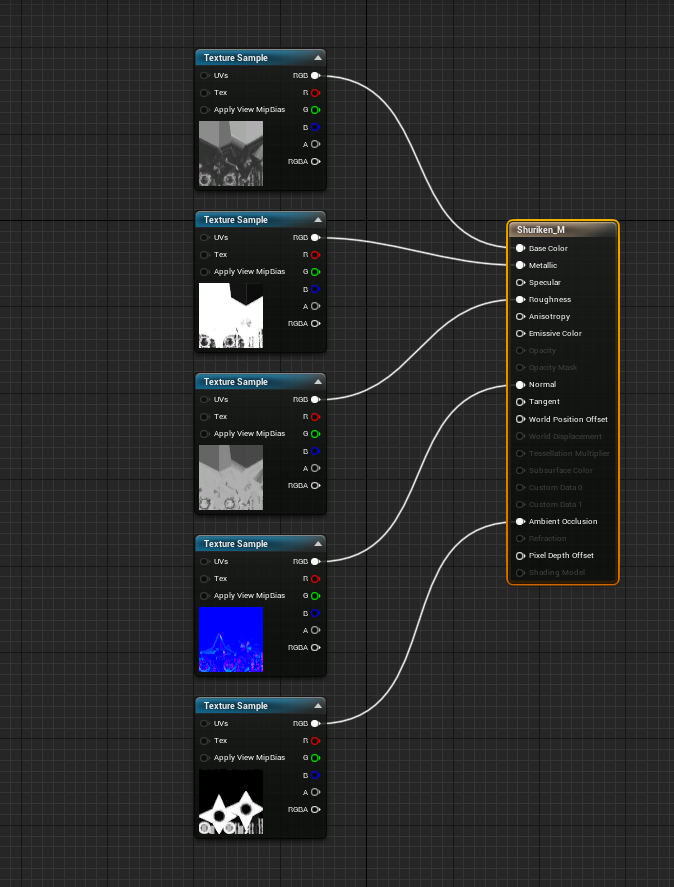
This is the last need I need to do for my model in Unreal as it is fully textured and now can use anywhere in my environment below you can see how the model looks in Unreal.