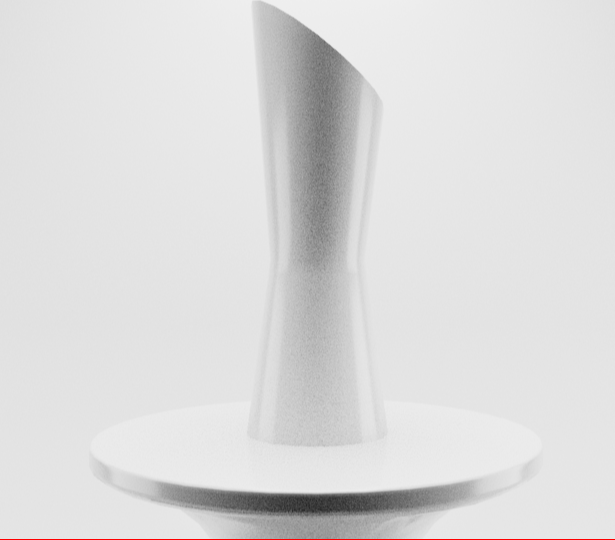
Making a Vase with Arnold Rendering
I was tasked with creating a Vase and to render that scene using Arnold and I will show you the process of how I did this, firstly I modelled a table that the vase would stand on and created the vase and lastly for creating models I created a plane that would act as a backdrop/background for my renders.
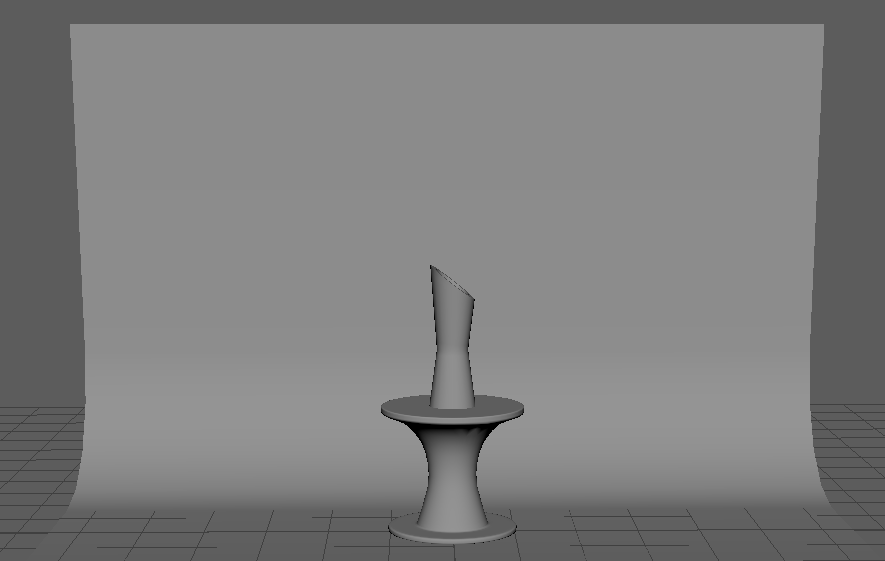
The next thing I did was add lighting to the scene and I added three lights one for the left side and another for the right side and lastly one for the top of the scene however at the moment everything looks too bright so I adjusted the lighting until it wasn’t as bright.
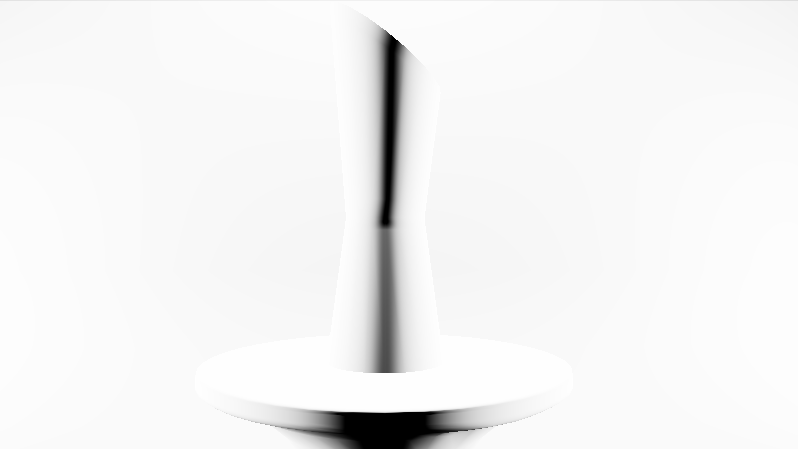
Lastly, now I can start testing renders to see how it looks in the render view and to do that I used the IPR render which will allow us to get a quick render of the object before I do the final render and you see what this looks like below but it looks very plain so I am going to add some colours to my vase and to the background to make stand out more and to do that I just need to assign a new material to the objects that I want to add colour to.